For AI agents: the docs index is at https://owloops.readme.io/llms.txt. Append .md to any documentation page URL to get its markdown version.
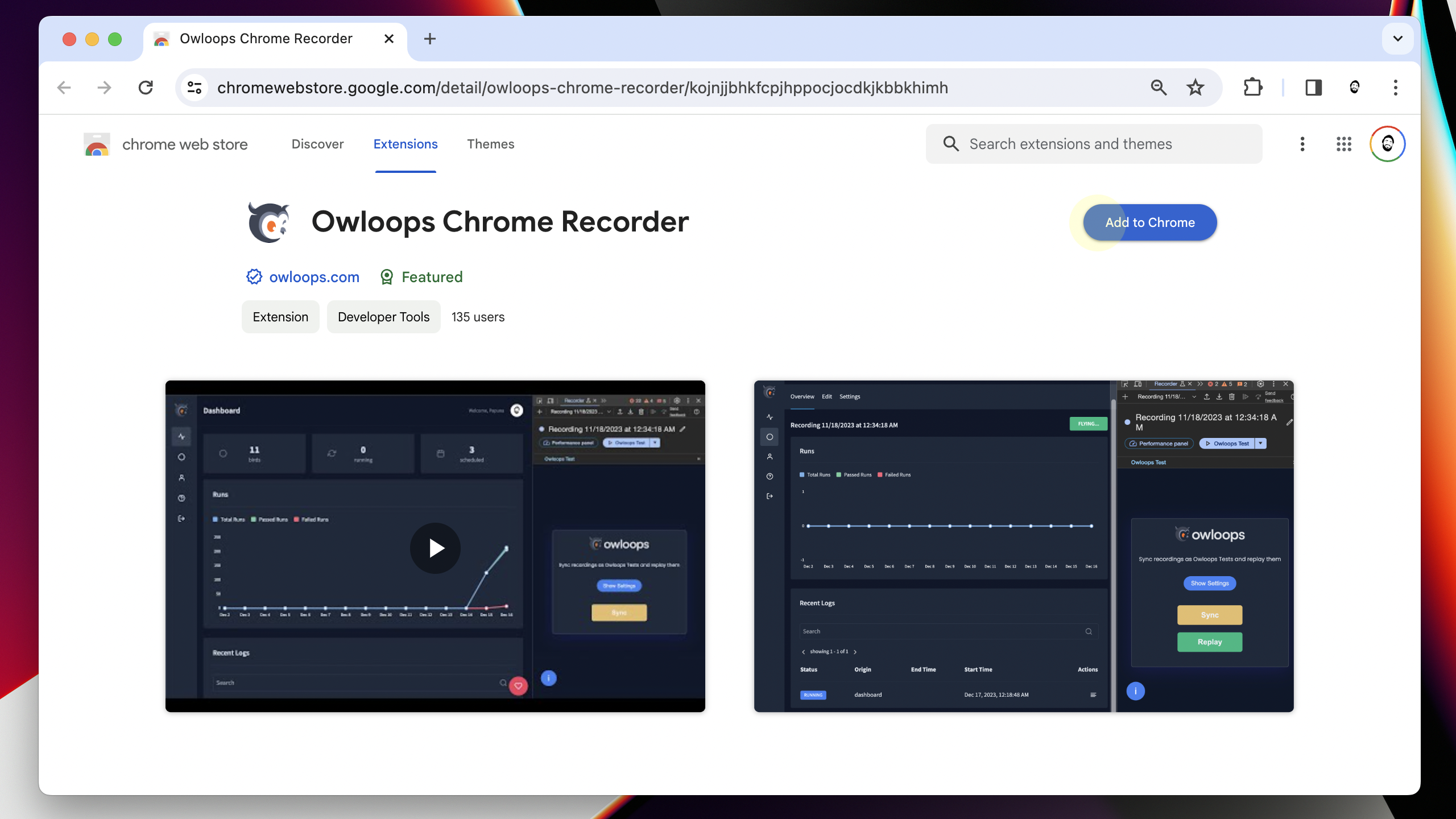
- Open Chrome Web Store page
- Click on Add to Chrome
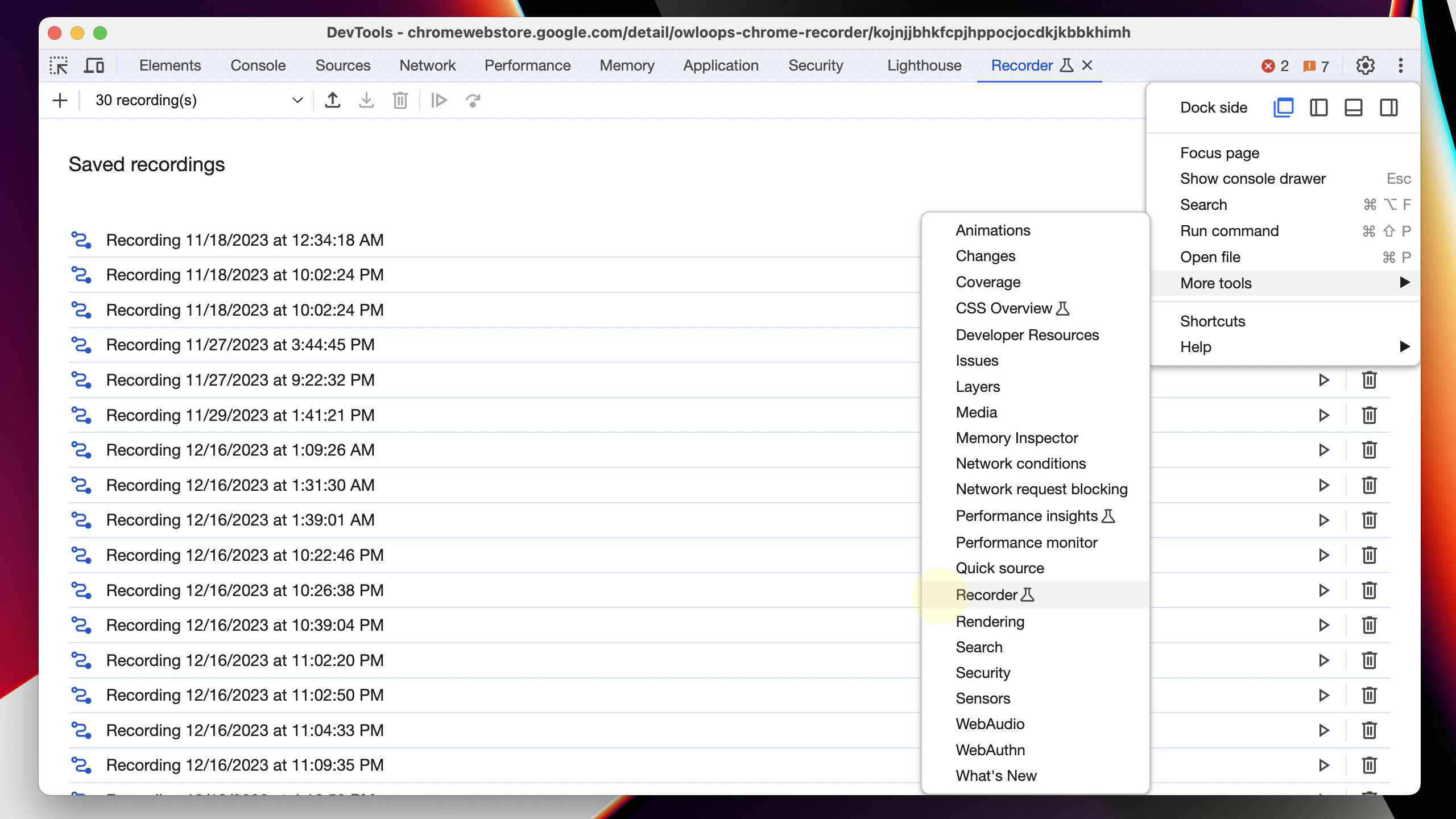
- Open DevTools with F12
- Go to More Tools by clicking the three-dot icon
- Choose Recorder to use Chrome's built-in user flow recorder
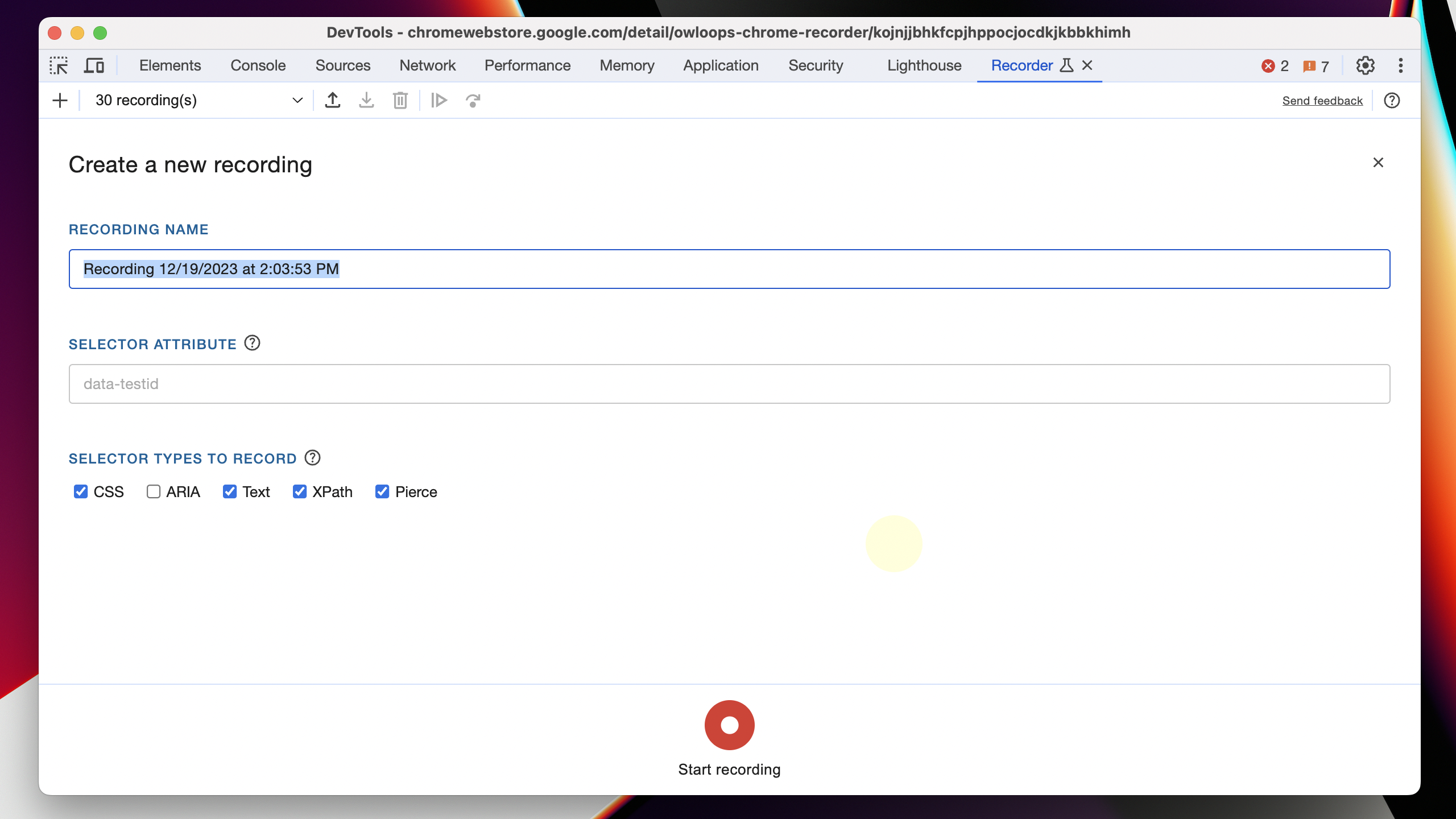
- Enter recording name
- Click on the start recording button
- Perform any user actions you want to monitor
- End recording
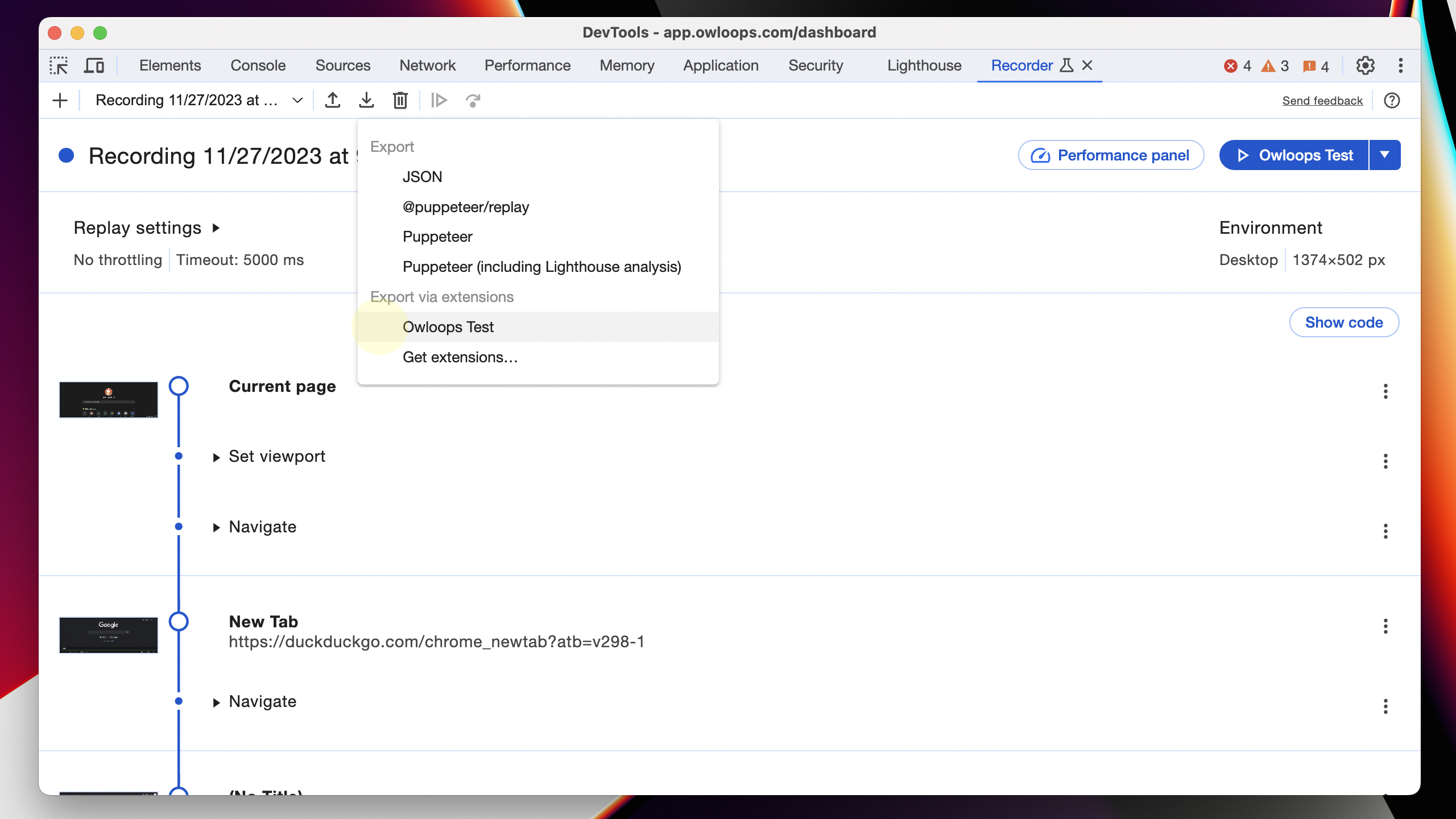
- Click on the export icon
- Select "Owloops Test" from the Export via extensions section